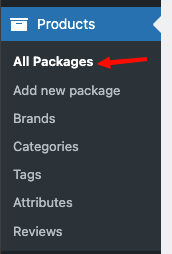
เลือกที่ Menu >> All Package
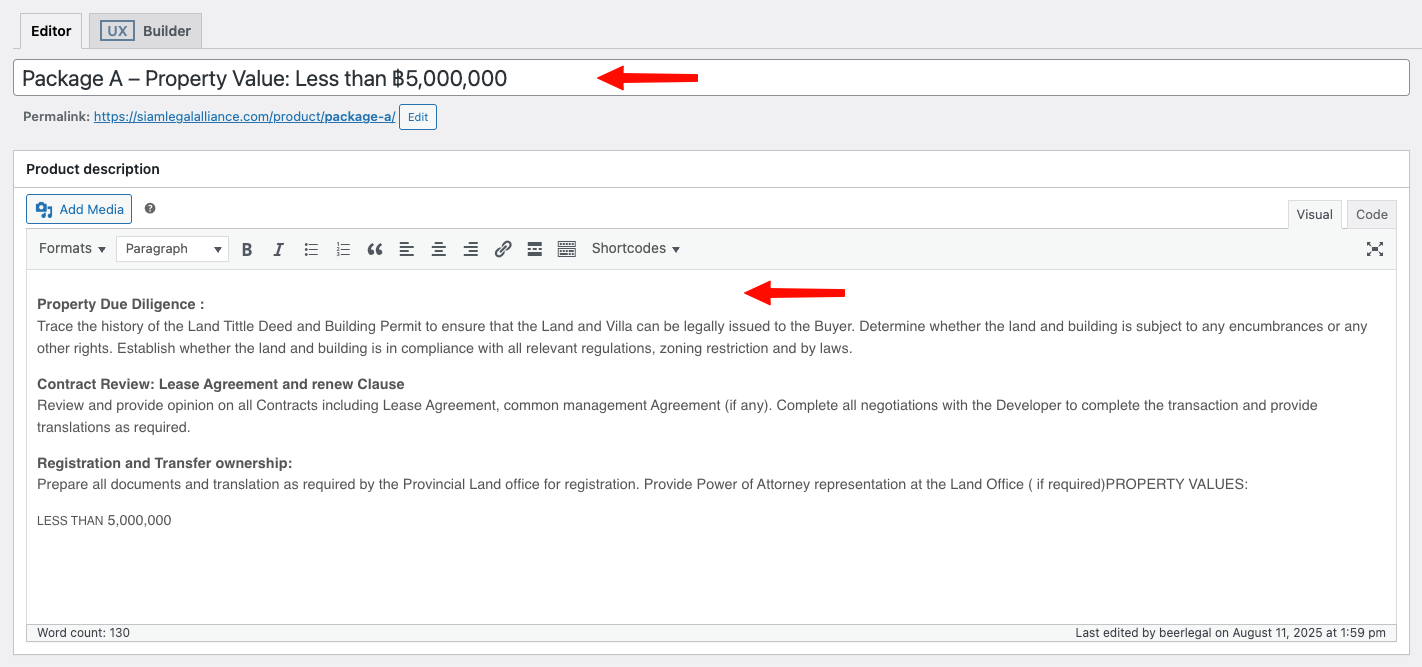
ระบุ Package Name ที่ช่อง Package name
ระบุ Package Description ที่ช่อง Package Description
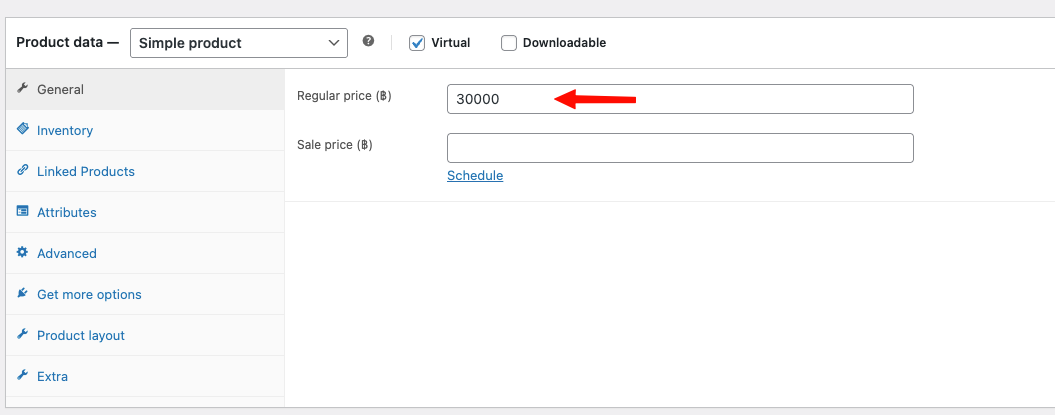
เลือก >> Virtual
ระบุราคา Package ที่ช่อง Regular price
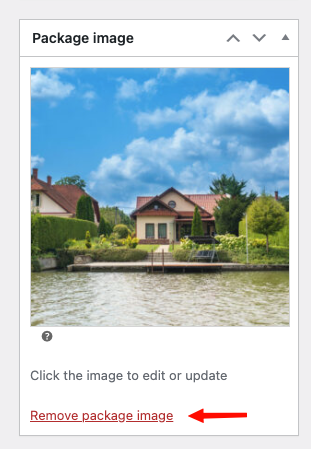
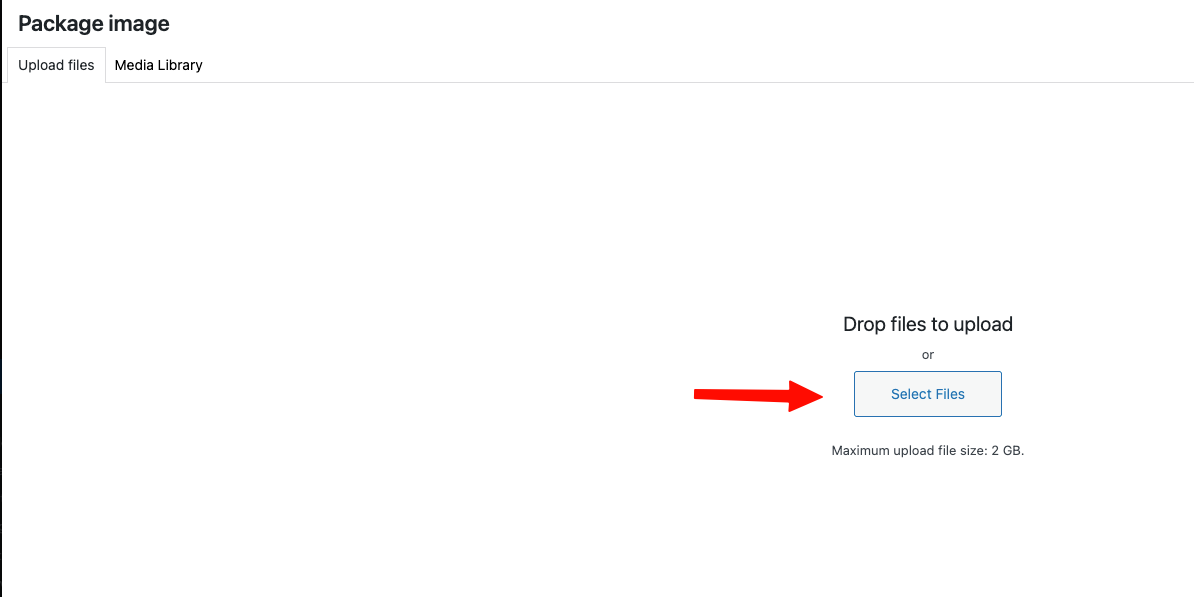
เลือก Remove Package image และ ทำการแก้ไขภาพใหม่
โดยการ Upload ภาพ หรือ เลือกภาพที่มีอยู่แล้ว
จากนั้นกดปุ่ม Set Package image
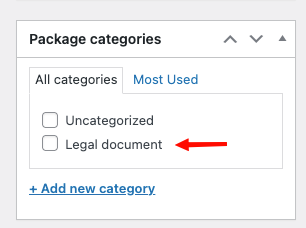
เลือก Package categories
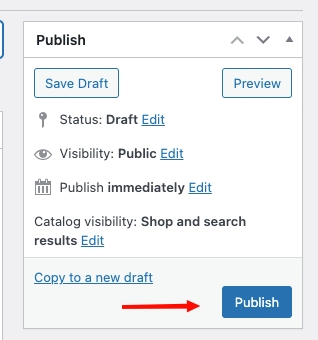
จากนั้นกดปุ่ม Publice
Was this article helpful?
That’s Great!
Thank you for your feedback
Sorry! We couldn't be helpful
Thank you for your feedback
Feedback sent
We appreciate your effort and will try to fix the article